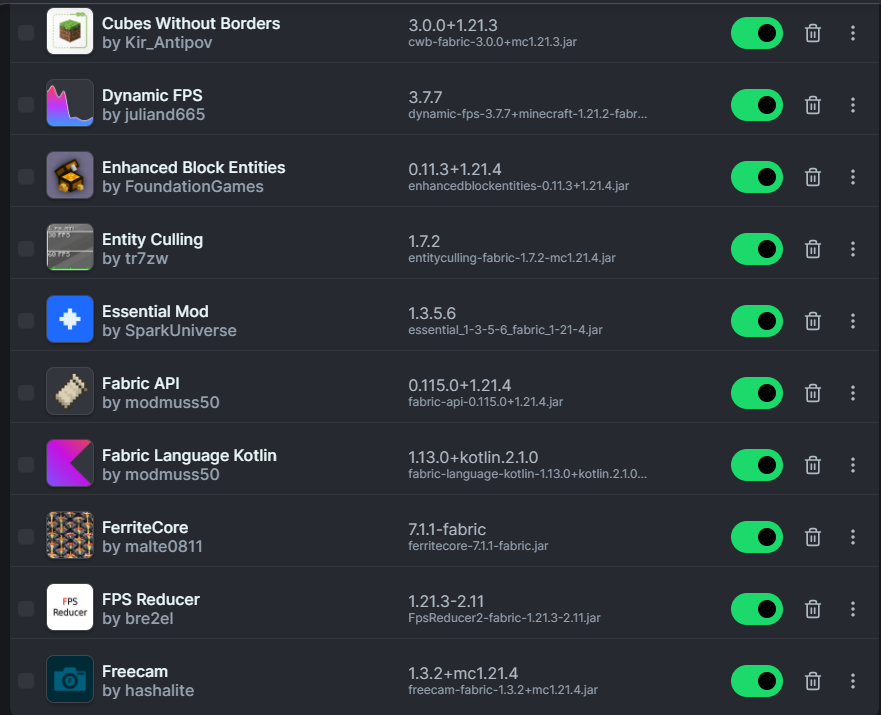
A 1.21.4 Fabric instance can include Kotlin-based mods on both client and server. Fabric Language Kotlin supplies language support and bundled Kotlin libraries used by those mods.
Client and server use
Fabric Language Kotlin is published for both client-side and server-side environments. Whether you need it on one side or both depends on the mod that declares the dependency.
For multiplayer, compare the mod list and required libraries on the server and clients when the gameplay mod expects matching installations.
Install in a 1.21.4 instance
Confirm the instance targets Minecraft 1.21.4 and uses Fabric Loader. Put the compiled library JAR in the mods directory; do not unpack it.
Then add the Kotlin-based mod and any other dependencies it lists. Launch once before adding optional performance or visual mods so base compatibility is easy to verify.
Read dependency errors precisely
A loader error normally names the mod ID, requested version, and installed version. Capture those three details before changing anything.
If a mod requires a newer Fabric Language Kotlin build, update the library only after checking that the rest of the pack supports that change.
Server troubleshooting
When a server fails before world load, inspect the server log rather than the client launcher. Missing-library errors on the server must be fixed in the server mods directory.