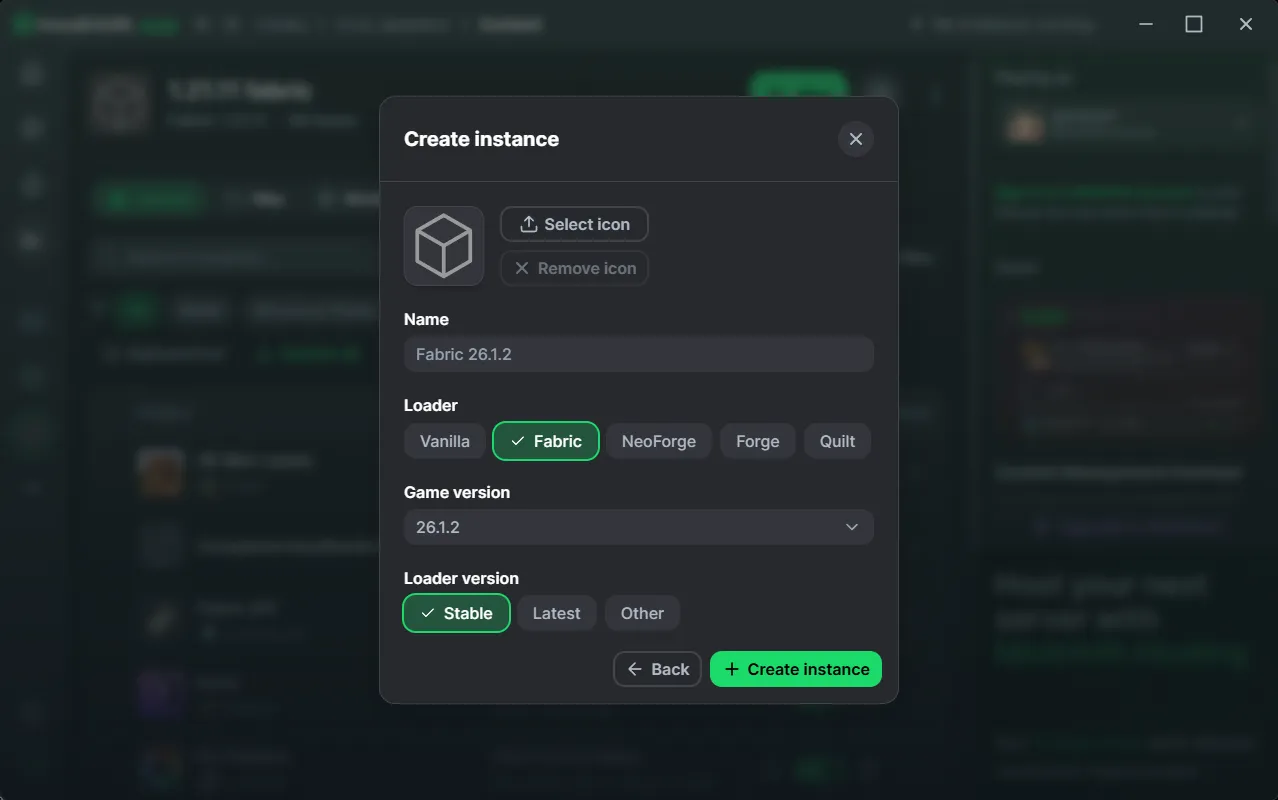
Newer Minecraft version naming means modpack maintainers should rely on published compatibility and dependency metadata instead of old assumptions about version numbers. Fabric Language Kotlin listings include newer 26.1.x and 26.2 lines.
Start from the mod that needs the library
Fabric Language Kotlin is usually installed because another mod depends on it. Check that mod’s build for your target Minecraft version and read its dependency requirement.
This is more reliable than selecting a library build only because its upload date is recent.
Loader compatibility comes first
The project describes itself as a Fabric language module and depends on Fabric Loader being available. Keep Fabric Loader current enough for the mods you are using, but avoid crossing requirements in a curated pack without testing.
Upgrade in a staging instance
Create a copy of the instance, update the loader and required libraries, and launch with only essential mods. Add optional mods after the core stack works.
A staged update prevents a single incompatibility from being hidden inside a large pack.
Keep source and release artifacts separate
The GitHub master ZIP linked on this site is source code. A playable instance expects compiled release JARs. Confusing those formats is a common reason a library appears to be “installed” but Fabric Loader cannot see it.